
Opening a medical bill online often begins with entering two critical numbers printed on your physical statement: your account number and client ID. Because different hospital networks and physician clinics format their billing paperwork differently, identifying these credentials can be frustrating. This independent patient guide walks you through exact location patterns so you can complete your PayMyDoctor online payment smoothly.
Locating the Client ID on Paper Statements
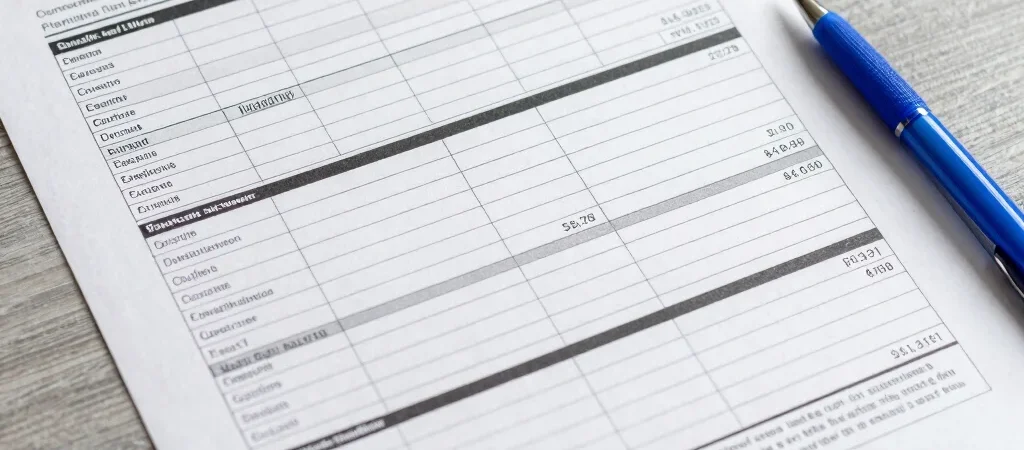
The client ID or practice code typically resides in the upper right-hand header of your paper statement. This code identifies the specific medical group, specialty clinic, or hospital network that provided your care. Look for a four-to-six-digit number directly above or beside your personal account number.
If your paper statement includes a remittance slip at the bottom, the client ID is often repeated near the payment address. Verifying this number before visiting the billing portal ensures that your payment is routed to the correct medical practice.
Identifying Your Unique Patient Account Number
Your account number is distinct from your medical record number and identifies the specific billing encounter rather than your overall health history. Search for labels such as Account ID, Statement Number, or Billing Reference near the top right margin. Ensure you type all numbers without spaces or hyphens when prompted by the system.
Next Steps if Numbers Are Unclear or Missing
If your statement lacks a clear client ID or the online system returns an invalid code error, compare your paperwork against recent clinic receipts. When codes remain unreadable, calling the physician billing office directly remains the safest way to confirm your portal details. Once verified, save a digital copy of your statement for seamless future online bill payments.